

For users in Visma to be able to open Control, they must be linked to a company group.
When users are created via Visma Vud, the user will not be assigned to a company group.
The company group is then added afterwards via SQL.
Permissions are set in vbsys SQL.
In the table dbo.usr, the column FrmGr is set to 1 (in most cases) for the users who should have access.
But it’s recommended to check in Visma which company group is being used.

You can find company group and company group member under Tables – Common – Company in Visma Business.
Users must be linked to a company group that has access to the companies the user should have access to in Control.
Aritma or the reseller can assist you with this, and the IT provider may also have access.
Note:
Manual user management must be enabled.
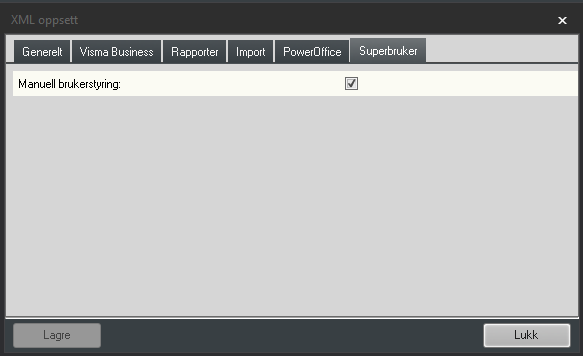
The username is entered the same as the username in Visma Business.

Permissions are set on the user in the usual way.