

Download the file "ZData Bank for Visma Business" from the Partner Portal.
Resellers who do not have access to the Partner Portal can contact ZData Support to gain access.
The file contains the installation of both ZData Pay and ZData Control.
Right-click on the file and select "Run as administrator".
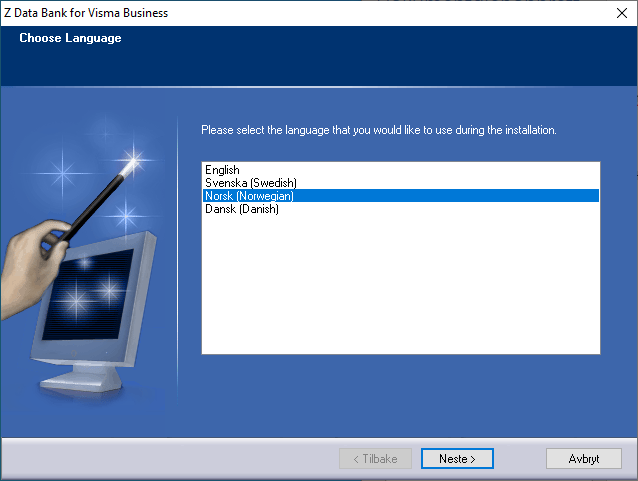
Select the language for the installation wizard.
Click "Next".
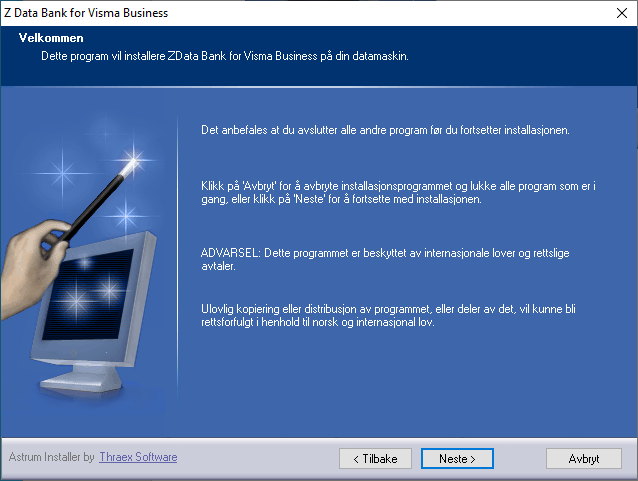
Click "Next".
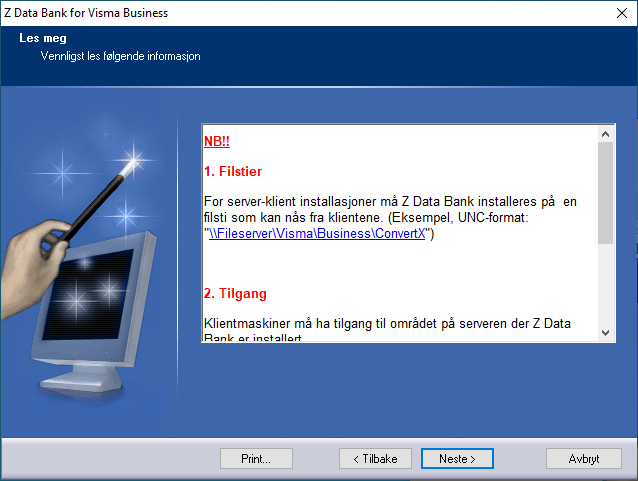
Click "Next".
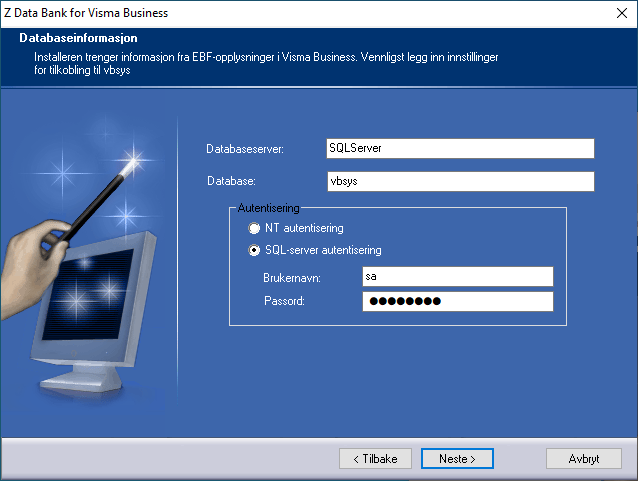
Enter the name of the SQL Server.
Enter the database name of Visma Business’ vbsys (default name is vbsys).
Select SQL Server authentication.
Fill in the username and password for the Visma Business database user.
Click "Next".
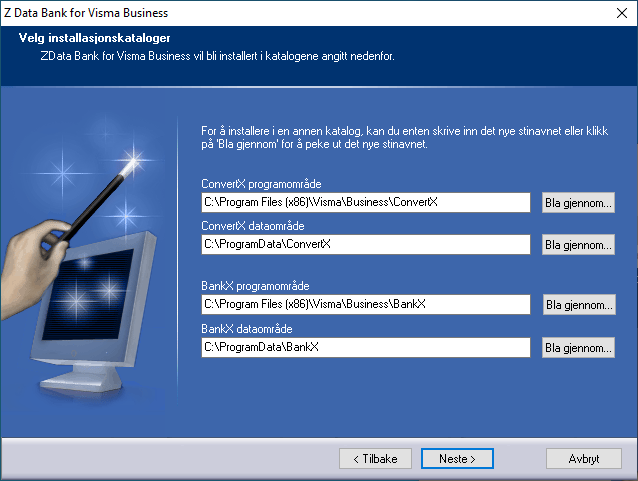
In this window, choose where ZData Bank (ZData Pay and ZData Control) should be installed.
You will be shown suggested file paths for installation, but these can be changed.
During an upgrade, the program remembers the previously selected paths since these are stored and retrieved from EBF settings in Visma Business.
Users of ZData Control and ZData Pay must have access to these file areas.
During installation, you should therefore change the program and data directories to folders accessible to users.
Alternatively, you can grant users permissions to the chosen folders afterward.
We recommend using UNC paths. Example:
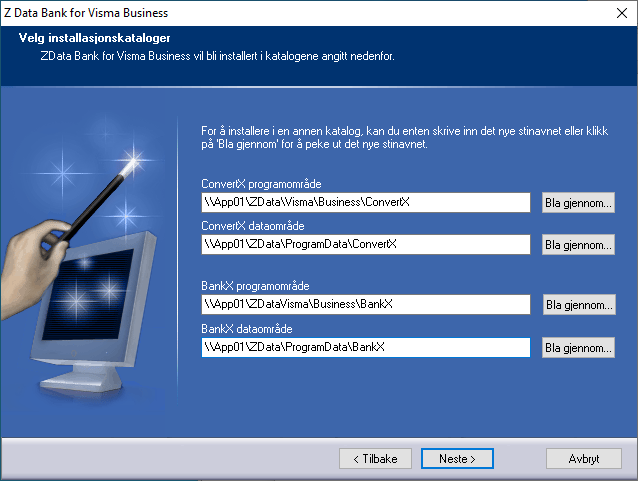
Verify that the file paths are correct and click "Next"
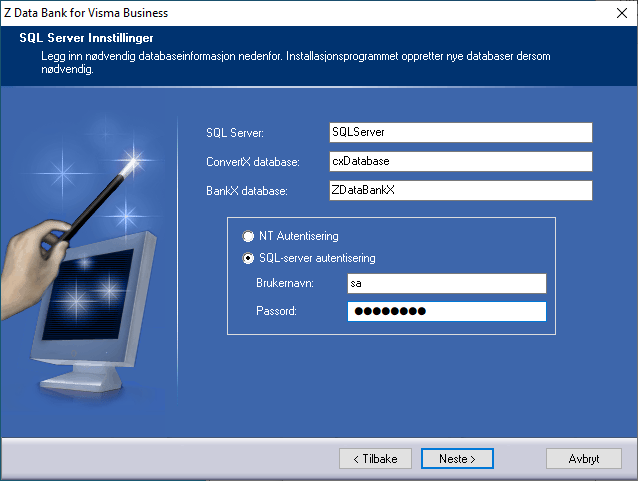
Check that the SQL Server name is correct.
cxDatabase is the default name for the database for ZData Pay.
ZDataBankX is the default name for the database for ZData Control.
Both databases will be created during the installation.
Select SQL Server authentication.
Enter the username and password for the database user.
Note: The user must have rights to create these databases.
We recommend using the sa-user.
Click "Next".
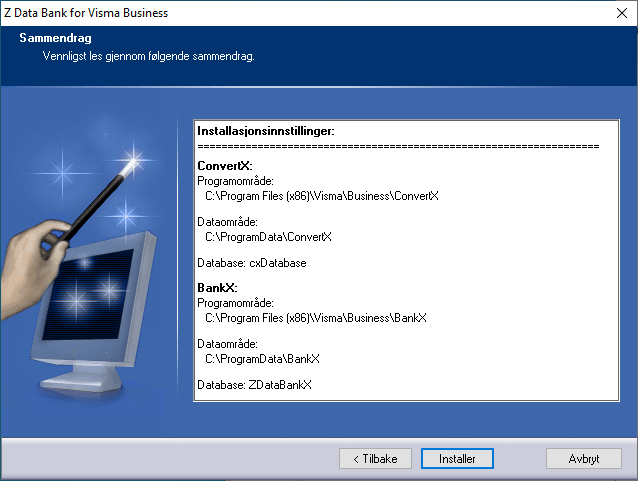
You will then see an overview of the selected file areas.
Click "Install"
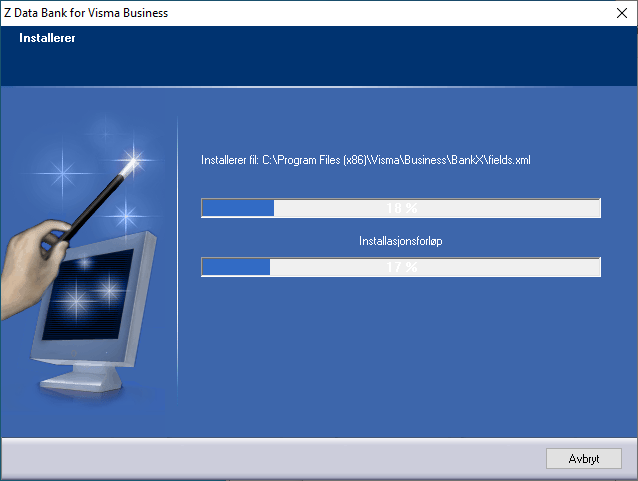
Wait while the program installs.
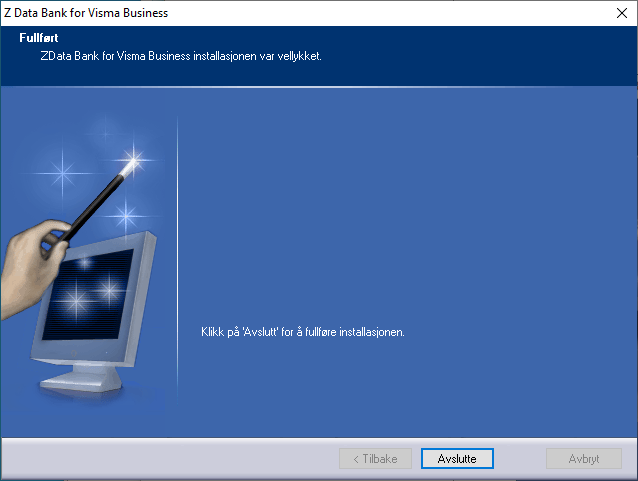
The installation is now complete.
Click "Finish".
The first time the programs are started, a license must be entered.
See the description of the next step here:
Getting started with Aritma Pay