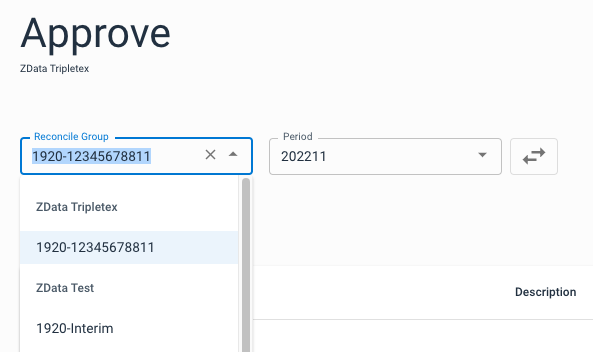
You can approve periods when they have been fully reconciled. The feature is optional, and Control will function normally regardless of whether you approve periods or not. To get an overview of approved periods, go to Accounts and select which account group you want to work with. You can also open the account group from the dashboard, click the drop-down menu to the right, and then "Approve".
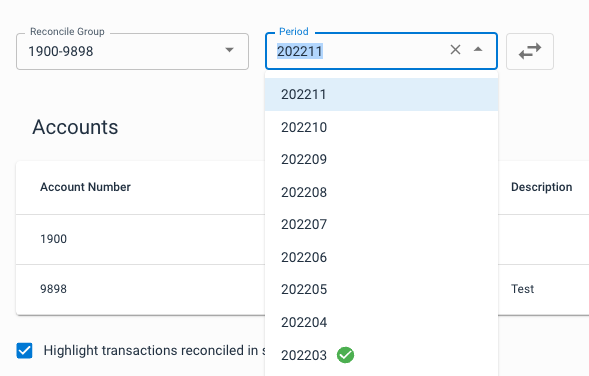
In the drop-down menu for periods you will get an overview of which periods have already been approved. Select a period to get an overview of balances and open items.
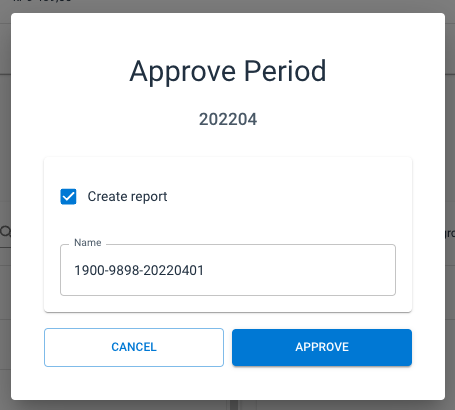
If there is no balance difference for the period you have selected, and the previous period is approved, you can approve the period by clicking on the blue "Approve" button to the right. Here you will also have the opportunity to create a report for the current period.