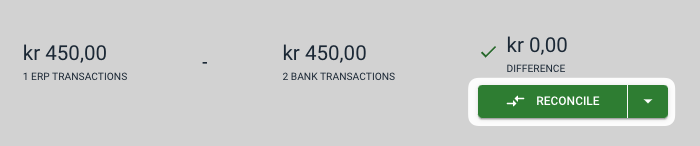
Occasionally, transactions may arise that cannot be reconciled automatically. You can handle these manually by opening the account group under Dashboard. Here you will get an overview of balances, open (unreconciled) entries, and more. To reconcile entries manually, check the boxes for the applicable ones under the "Open" tab.

If the difference between the selected entries is zero, they can be reconciled by clicking the green Reconcile button at the top right.