

If you have set up an account group with a start date before the bank integration with Aritma was ordered - or in other words, you will reconcile back in time - missing transaction data must be imported manually. This is because banks do not send transaction data from before the order date.
Fortunately, it is very easy to import historical data in Control, and this only needs to be done once after the account group setup.
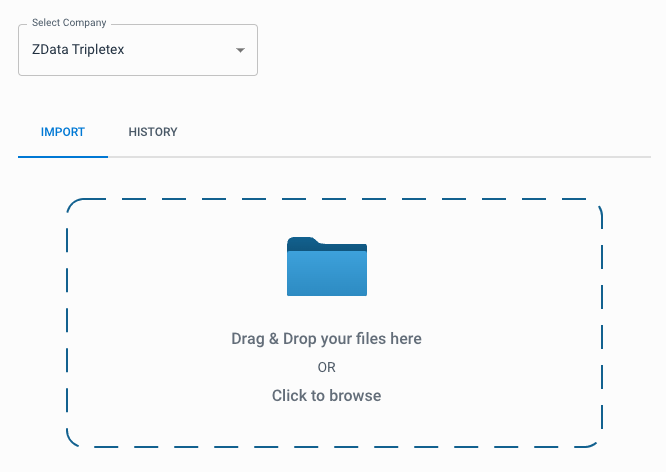
Start by going to Import in the side menu. Choose the client for whom you want to import bank files, and drag the bank file into the grid area.
Where can I find the bank files?
The bank files must be retrieved from the online banking portal. For most online banks this can be done self-service, but if you are not sure how to proceed we can help you. Control supports the file formats Camt.053 (also called C053, ISO Account Information, or XML Account Information) - and Telepay.
Make sure you choose a date interval that does not overlap with the transactions we already receive from the bank. Also ensure you select the correct account, and one of the formats mentioned above.
Note
The account group must already be created before you import files. Otherwise Control will not know where the transactions should go.