In Aritma Control for Visma Business, a user's rights are determined by the rights the user has in Visma Business.
That is, the different users will see the same clients in Aritma Control as in their client list in Visma.
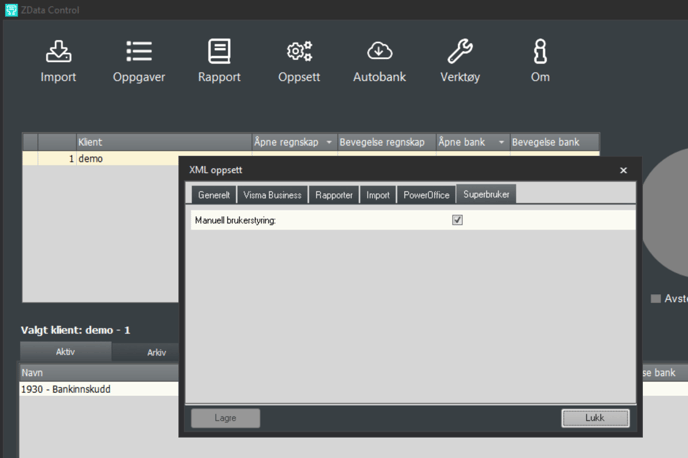
If you want to override this, go to:
Settings -> Global Settings -> Superuser
Tick the box for "Manual User Management". The user rights will then be the same as in Aritma Control Standalone. See Manage users and rights.