Icons for bank integration via API (Cloud)
Through Setup → Manage Account Groups, you can see the status of whether the connection to the bank is working correctly.
This only applies when connected through cloud retrieval.
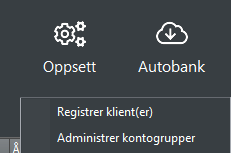
Select Setup → Manage Account Groups.
Cloud with arrow down  = = The account is linked and the balance is correct.
You can view the balances at the bottom of the screen by double-clicking the arrow symbol.
Everything is correct :-)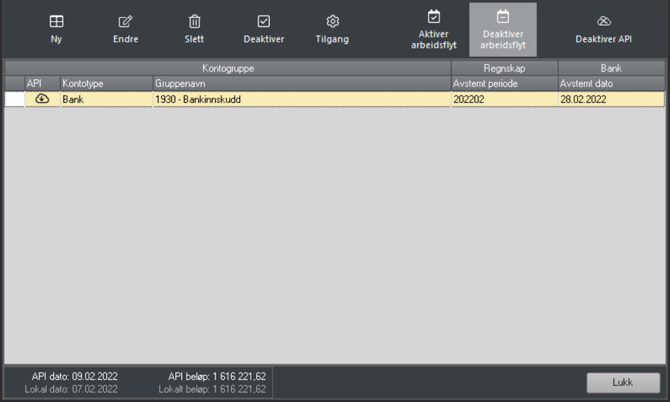
Balance discrepancy 
Double-click the icon inside Account Groups to display more information.
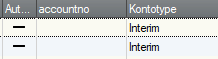
Interim account – here, no data is retrieved from the bank.