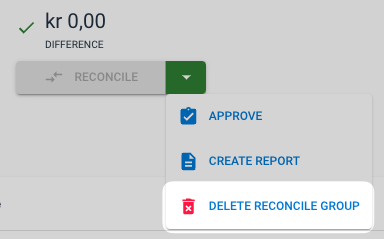
To delete an account group, go to the Dashboard and open the account group you want to delete. On the right you will see a green drop-down menu; open it and click on "Delete Reconcile Group".
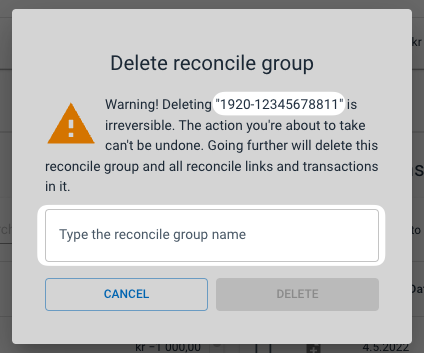
In the next image you must enter the name of the account group to confirm that you want to delete it.