

There may be several reasons for wanting to delete an account group. For example, a bank account may be linked to the wrong general ledger account, or the account group may have been created for the wrong client.
To delete an account group, go to:
Settings -> Manage account groups.
Select the account group you want to delete. Click on "Delete".
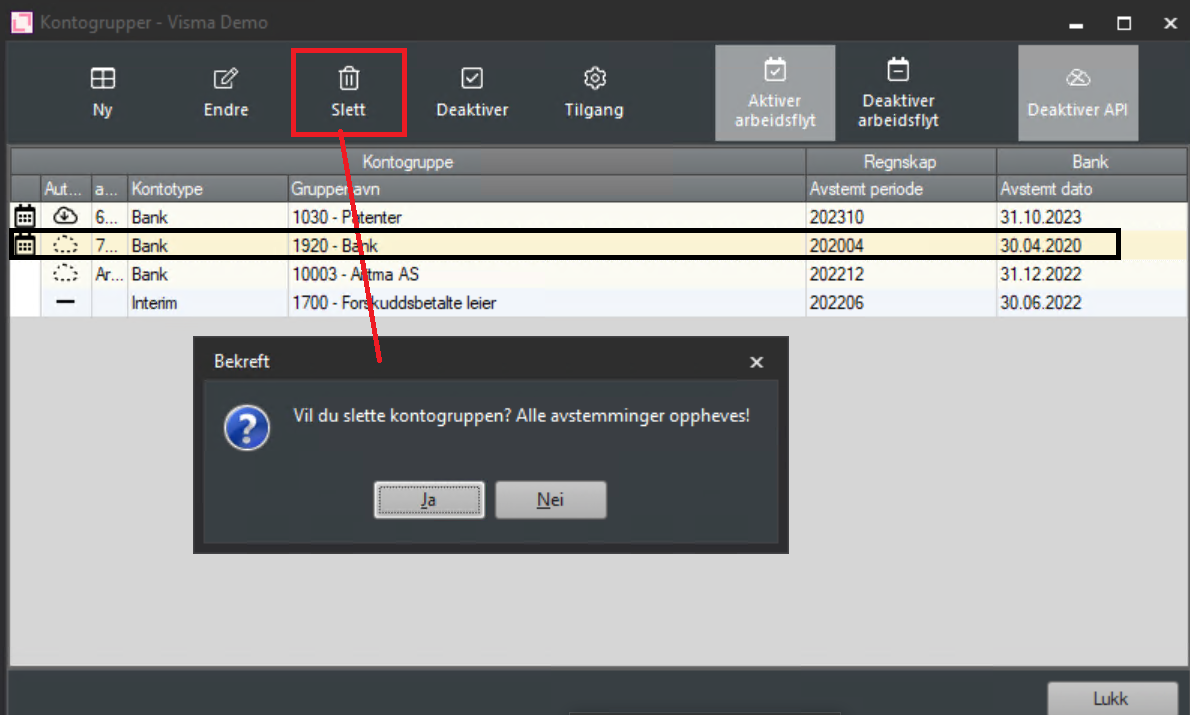
Click "Yes" to confirm. Note that all reconciliations performed on the selected account will be reversed.
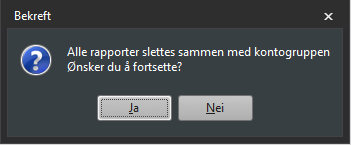
Click "Yes" to confirm.
If you do not have bank integration, you will see this option:
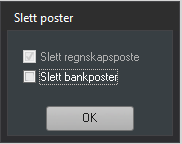
In this window you will see the option to delete imported bank entries in addition to the accounting entries. We do not recommend deleting bank entries unless there are major errors on the bank side and you want to start completely over. If you select "Delete bank entries" all bank transactions for the selected account number will be deleted from the register and you will need to re-import bank data. The account will not appear as an option in the account wizard until you have imported a bank file.
The account group has now been deleted and you may optionally choose to recreate it.