

1.
Create a new user
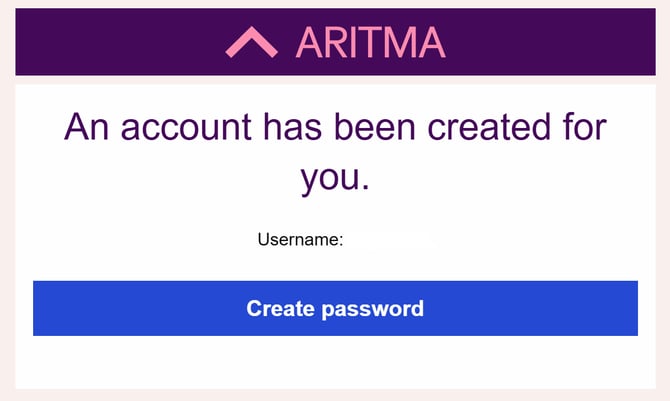
To create a new user, you must first have received an email with a login link from Aritma AS (no-reply@aritma.com).
If you have not received such a link, you can either submit a request to have a user created [here], or contact an administrator for the company you need access to.
Click “Create password.”
2.
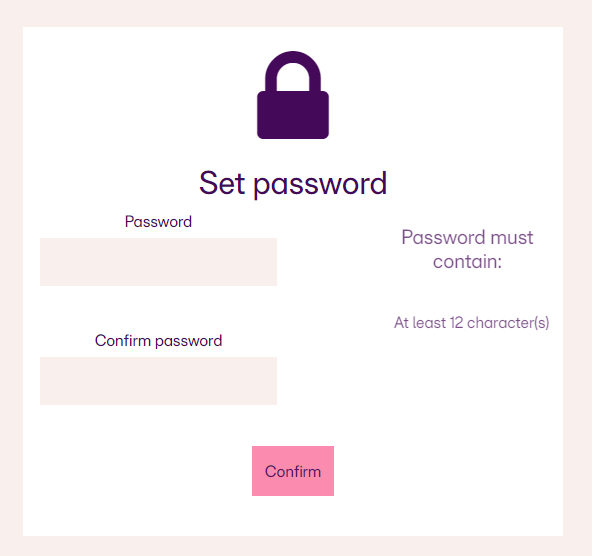
You will now be redirected to the page shown below.
Here, create the password you want to use for your account.
Then click “Confirm.”
3.
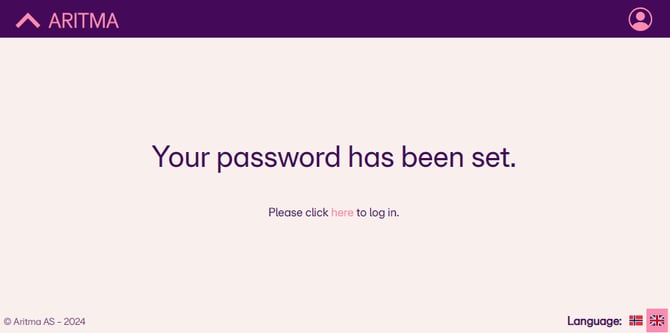
After setting your password, you will be redirected to the page shown below.
Click on “here” (or “her” if the page is in Norwegian).
If the link on the redirected page does not work, go to: https://pay.aritma.app.
4.
When you log in, you will see the window shown below. You now have two steps to complete before your user account is fully set up:
-
Verify with BankID: See the related article for more information on setting up BankID.
-
Set up two-factor authentication: See the related article for more information on configuring two-factor authentication.
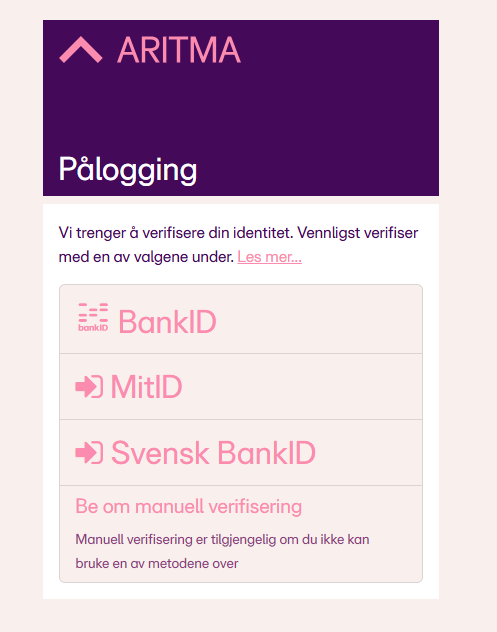
Having trouble registering your BankID? See the related article. her