ChatGPT sa:
Automatic currency update imports exchange rates into the Currency Rate table in Visma Business.
The module requires a separate license. Contact support@aritma.com or your reseller to order this.
Setup in Visma Business
To ensure exchange rates are imported into a client in Visma Business, the option Fetch exchange rates during remittance must be checked. This is found under Bank Partner → EBF processing.
Setup in Aritma Pay
Place the script NORGES_BANK.cxs in the Format folder under the Aritma Pay program directory. If you don’t already have this script, it will be sent to you when ordering the license.
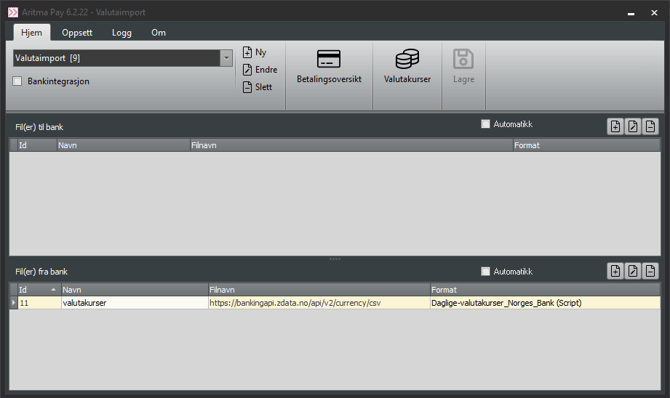
Add a new import line either in a separate profile or in the same profile as bank return files. Enter the following filename:
https://bankingapi.zdata.no/api/v2/currency/csv
Select the format: Daily exchange rates_Norges Bank (Script).
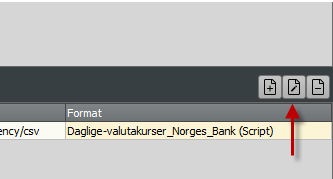
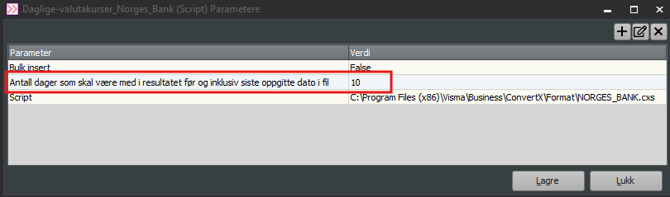
By default, exchange rates from the last 10 days are retrieved. This can be increased if needed. Select Edit import to access this option.