

If Workflow is enabled on an account, each reconciliation period must be marked as approved before you can proceed to the next period.
Select the desired account in the main view and click "Open entries". You will then see a window for approving the report.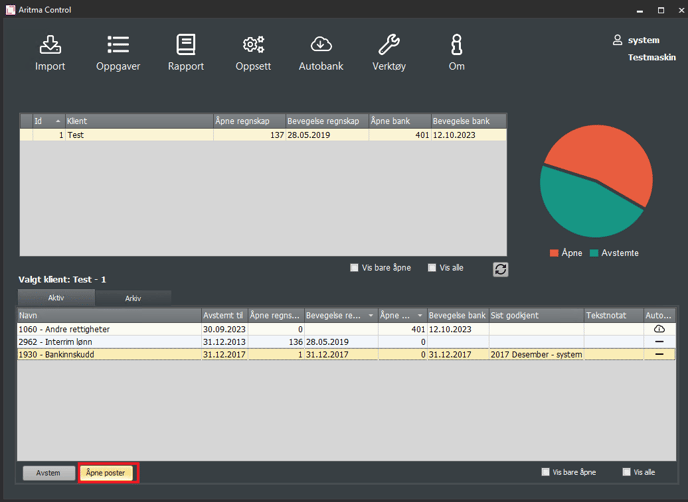
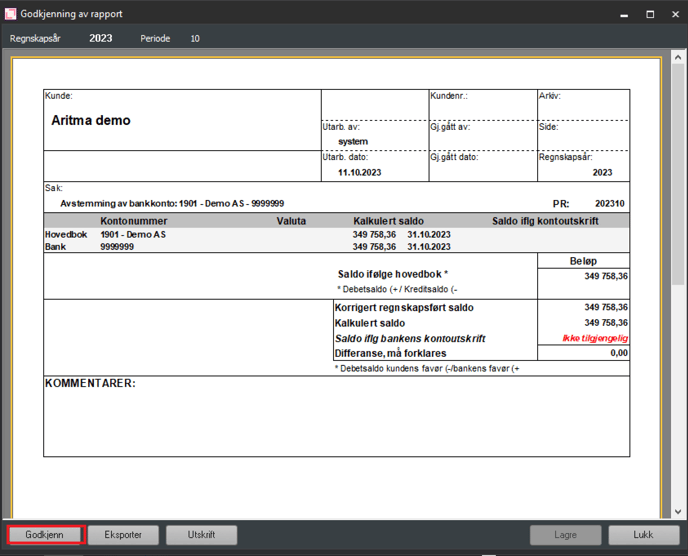
If the reconciliation is OK, click "Approve".
The report is saved in the report area.