1.
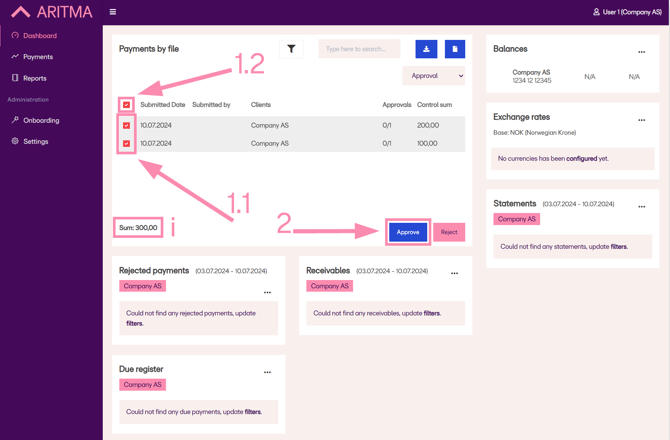
Check the boxes (1.1) for the payments you want to approve.
Alternatively, use the box at the top (1.2) to select all payments pending approval.
2.
Verify that all selected payments match the amounts you intend to pay (see “i”).
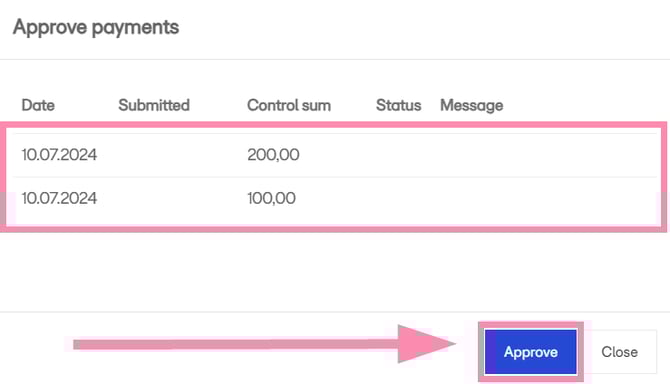
Then click “Approve” to approve the payments.
3.
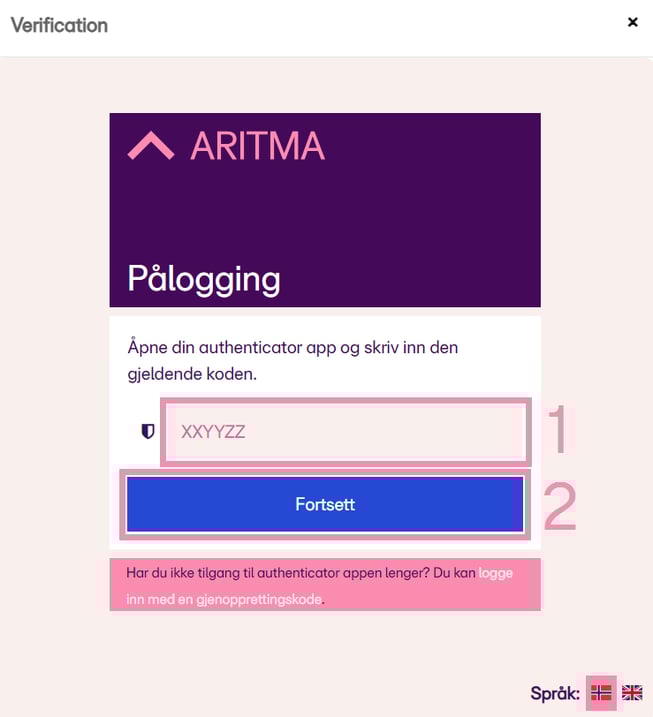
Confirm the payment using a code from your two-factor authentication app.
If you have not yet set up two-factor authentication, see the related article.